
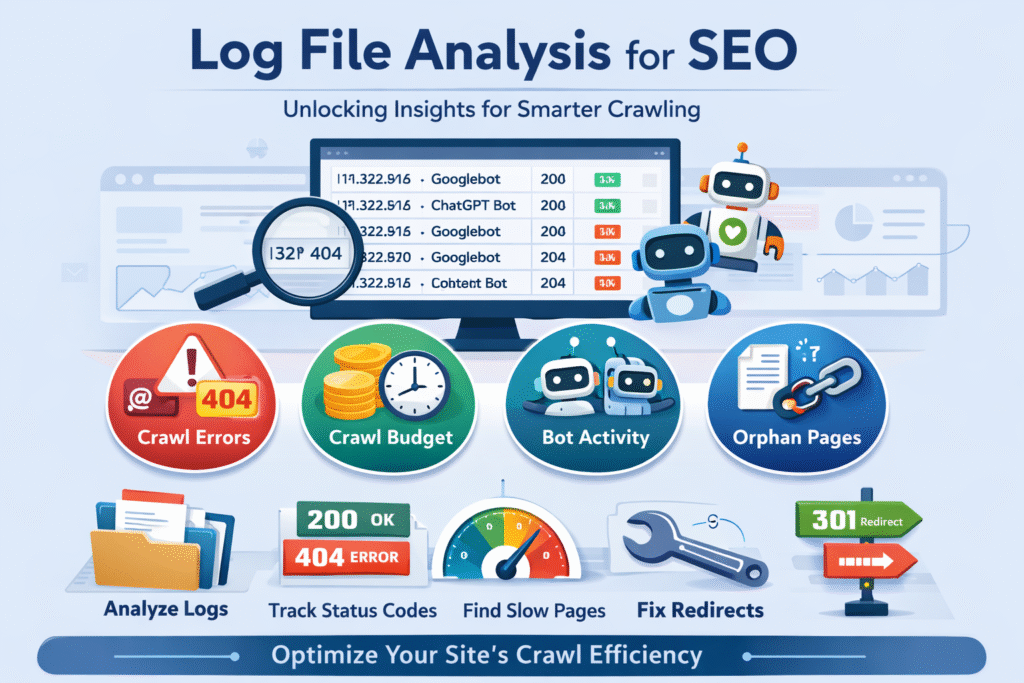
If you’ve ever wondered how search engines truly interact with your website behind the scenes, log file analysis is where the real story unfolds. While tools like Google Analytics and Google Search Console provide valuable insights, they only show part of the picture. Log files, on the other hand, reveal the raw truth—every single request made to your server, whether by users or bots.
In this guide, we’ll break down what log file analysis is, why it matters for SEO, and how you can use it to improve your site’s visibility in a practical, human-friendly way.
What Are Log Files in Simple Terms?
Think of log files as your website’s diary. Every time someone visits your site—or a search engine bot crawls it—your server records that interaction.
These records typically include:
- The date and time of the request
- The IP address of the visitor or bot
- The requested URL
- The user agent (e.g., Googlebot, browser, AI bots)
- The HTTP status code (like 200, 404, 301)
Unlike surface-level analytics, log files show actual behaviour, not sampled or interpreted data. That’s what makes them incredibly powerful for technical SEO.
What Is Log File Analysis?
Log file analysis is the process of examining these server records to understand how search engines and users interact with your website.
In SEO terms, it helps answer questions like:
- Which pages are being crawled the most?
- Are search engine bots missing important pages?
- Are there errors blocking access to key content?
- Is crawl budget being wasted?
By analysing this data, you can identify hidden issues that may be silently affecting your rankings.
Why Log File Analysis Matters for SEO
Most website owners rely heavily on tools like Semrush or Search Console. While these are excellent, they don’t always show how bots behave in real time.
Log file analysis fills that gap.
1. Understand Crawl Behaviour
Search engines don’t crawl your entire website equally. Some pages get more attention than others.
Log analysis helps you:
- Identify high-priority pages (frequently crawled)
- Spot neglected pages (rarely crawled)
- Understand how bots navigate your site
This insight is crucial for improving your site structure.
2. Detect Technical Errors Early
Errors like 404 pages, broken redirects, and server issues can harm your SEO.
Log files highlight:
- Frequent 404 errors
- Redirect chains
- Server errors (5xx)
These issues can prevent both users and bots from accessing your content properly.
3. Optimise Crawl Budget
Crawl budget refers to how much time and resources search engines allocate to your site.
For large websites, this is critical.
Log analysis helps you:
- Identify low-value pages wasting crawl budget
- Ensure important pages are prioritised
- Reduce unnecessary crawling of duplicate or irrelevant URLs
4. Improve Site Performance
Slow-loading pages can impact rankings.
Log files help detect:
- Pages with delayed responses
- Heavy resources slowing down crawling
- Inefficient server behaviour
Fixing these improves both SEO and user experience.
5. Gain Insights into AI Bot Activity
Modern SEO isn’t just about Google anymore. AI tools like ChatGPT and other platforms also interact with websites.
Log files can show:
- How often AI bots visit your site
- Which pages they access
- How your content is being used in AI-generated responses
This is becoming increasingly important for future-proof SEO strategies.
How to Perform Log File Analysis (Step-by-Step)
Let’s walk through the process in a practical way.
Step 1: Access Your Log Files
Your log files are stored on your server.
You can access them via:
- Hosting control panel (like Hostinger, cPanel, etc.)
- File manager
- FTP tools
Look for folders named:
- logs
- access logs
- server logs
Download at least the last 30 days of data for meaningful insights.
Step 2: Choose a Log File Analysis Tool
Manually analysing log files is possible—but not practical.
Use tools like:
- Semrush Log File Analyzer
- Screaming Frog Log File Analyser
- Custom scripts (for advanced users)
These tools convert raw data into readable reports.
Step 3: Analyse Crawler Activity
Once uploaded, focus on how bots interact with your site.
Look for:
- Crawl frequency trends
- Sudden spikes or drops
- Pages crawled most often
If important pages are not being crawled regularly, that’s a red flag.
Step 4: Review HTTP Status Codes
Status codes tell you whether pages are accessible.
Key ones to monitor:
- 200 – Page is working
- 301 – Redirect
- 404 – Page not found
- 500 – Server error
Too many 404s or 5xx errors indicate serious issues.
Step 5: Check Crawl Distribution
See where bots spend most of their time.
Ask yourself:
- Are they crawling valuable pages?
- Or wasting time on filters, parameters, or duplicate pages?
If bots are focusing on low-value content, your SEO potential is being diluted.
Step 6: Identify Orphan Pages
Orphan pages are pages with no internal links pointing to them.
These pages:
- Are hard for bots to find
- May never get indexed
Log files can reveal them because they might still receive occasional direct hits.
Step 7: Monitor File Types
Check what types of resources bots are crawling:
- HTML pages (ideal)
- JavaScript
- Images
If bots spend too much time on non-essential files, it can hurt efficiency.
Common Issues Found Through Log Analysis
Here are some real-world problems you might uncover:
1. Redirect Chains
Multiple redirects before reaching the final page waste crawl budget and slow down crawling.
2. Dead-End URLs
Pages that lead nowhere frustrate both users and bots.
3. Parameter URLs
URLs with tracking parameters (e.g., ?ref=123) can create duplicate content issues.
4. Inconsistent Status Codes
A page switching between 200 and 404 signals instability.
5. Under-Crawled Important Pages
Your key pages might not be getting enough attention from search engines.
How to Fix Crawl Inefficiencies
Once you’ve identified issues, take action.
1. Use robots.txt Wisely
Block unnecessary pages such as:
- Admin areas
- Filtered URLs
- Duplicate content
This guides bots towards valuable pages.
2. Implement Canonical Tags
Canonical tags tell search engines which version of a page is the main one.
This prevents:
- Duplicate content issues
- Wasted crawl budget
3. Clean Up Low-Value Content
Remove or improve:
- Thin pages
- Outdated content
- Empty categories
This ensures your site remains high-quality.
4. Fix Technical Errors
Address:
- Broken links
- 404 pages
- Server errors
This improves both crawlability and user experience.
5. Strengthen Internal Linking
Ensure important pages are:
- Linked clearly
- Easy to navigate
- Accessible within a few clicks
This helps bots prioritise them.
When Should You Use Log File Analysis?
Log file analysis is especially useful if:
- Your site is large (ecommerce, directories, news sites)
- You’re experiencing unexplained traffic drops
- Your pages are not getting indexed
- You want deeper technical insights
For smaller websites, it’s still useful—but not always essential.
Final Thoughts
Log file analysis is one of the most underused yet powerful techniques in SEO. It gives you a direct view of how search engines and AI bots interact with your website—without guesswork.
By regularly analysing your log files, you can:
- Improve crawl efficiency
- Fix hidden technical issues
- Ensure your most important pages get the attention they deserve
In a world where search is evolving rapidly—especially with AI-driven platforms—understanding real bot behaviour is no longer optional. It’s a competitive advantage.